BharatPe Business 30 Dec 2025
BharatPe Business eKYC and installation process
1. Download & Register on BharatPe App
- Go to Google Play Store
- Search “BharatPe for Business”
- Install the app
- Open the app and enter your mobile number
- Verify with OTP
2. Business Details Entry
- After login, you’ll be asked to fill:
- Business name / Shop name
- Business type (shop, restaurant, service, etc.)
- Shop address
- Pincode & city
3. eKYC Process (Very Important Step)
- BharatPe follows RBI-mandated eKYC.
- Documents Required:
- Aadhaar Card (linked with mobile number)
- PAN Card
- Bank Account details (for settlement)
Steps:
- Enter Aadhaar number
- Verify via OTP sent to Aadhaar-linked mobile
- Upload or auto-fetch PAN details
- Enter bank account number & IFSC
- Bank verification is done automatically
If all details match, eKYC is completed within minutes.
4. QR Code Setup
- Once eKYC is approved:
- BharatPe generates a UPI QR code
- QR works with all UPI apps (PhonePe, GPay, Paytm, etc.)
You can:
- Download QR
- Order physical QR stand
5. Settlement Account Linking
Payments received via QR go directly to your bank account
Settlement usually happens:
- Instantly or
- Same working day
-
Categories
- Paytm Business 2
- Phonepe Business 2
- BharatPe Business 2
- SmartupiQR 2
- FreeCharge Business 1
Popular Posts
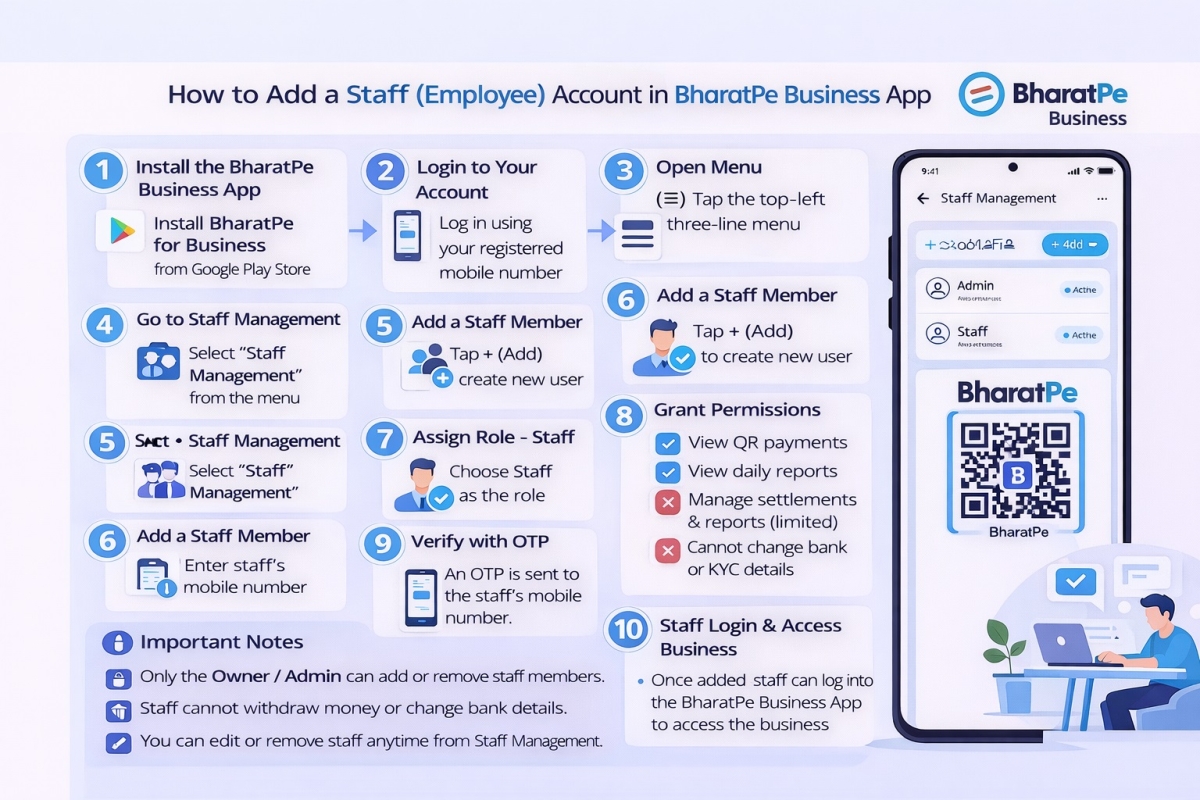
Step by step guide to create a Staff account in the BharatPe…
30 Dec 2025 126
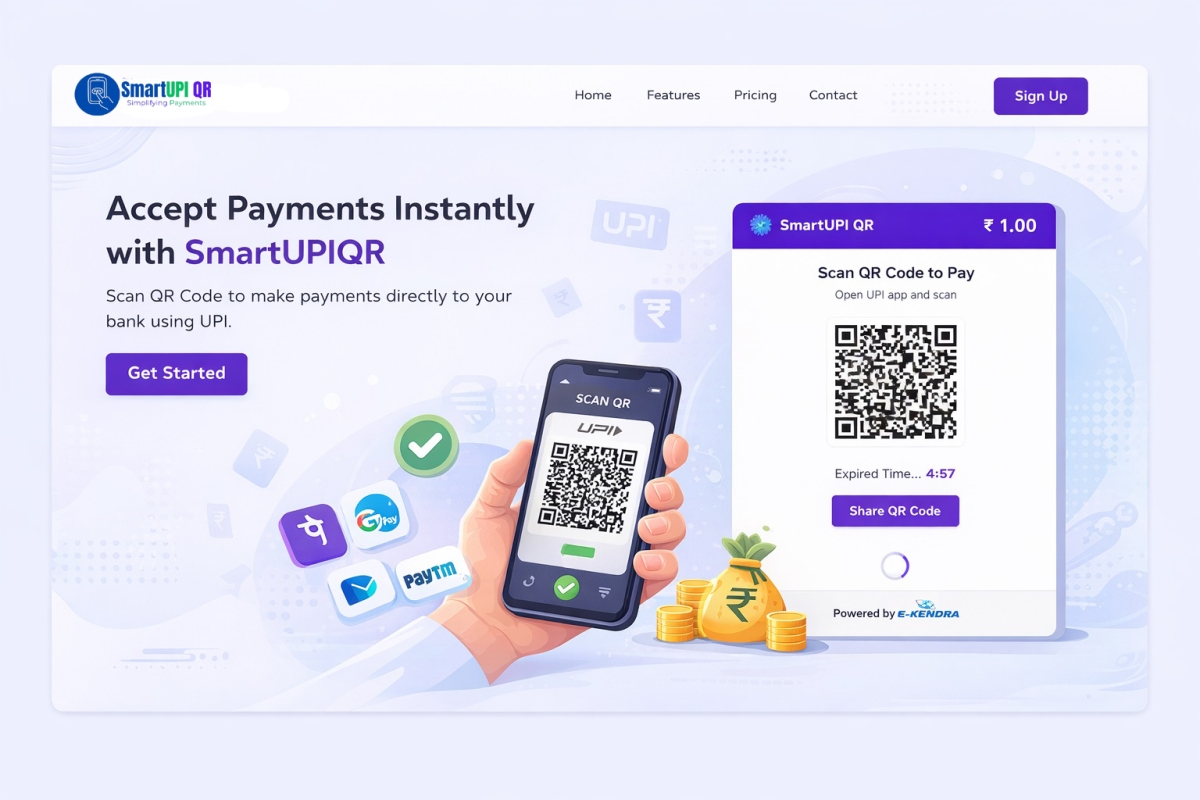
Why SmartupiQR Is the Best Dynamic QR Code API for Instant Bank…
31 Dec 2025 113
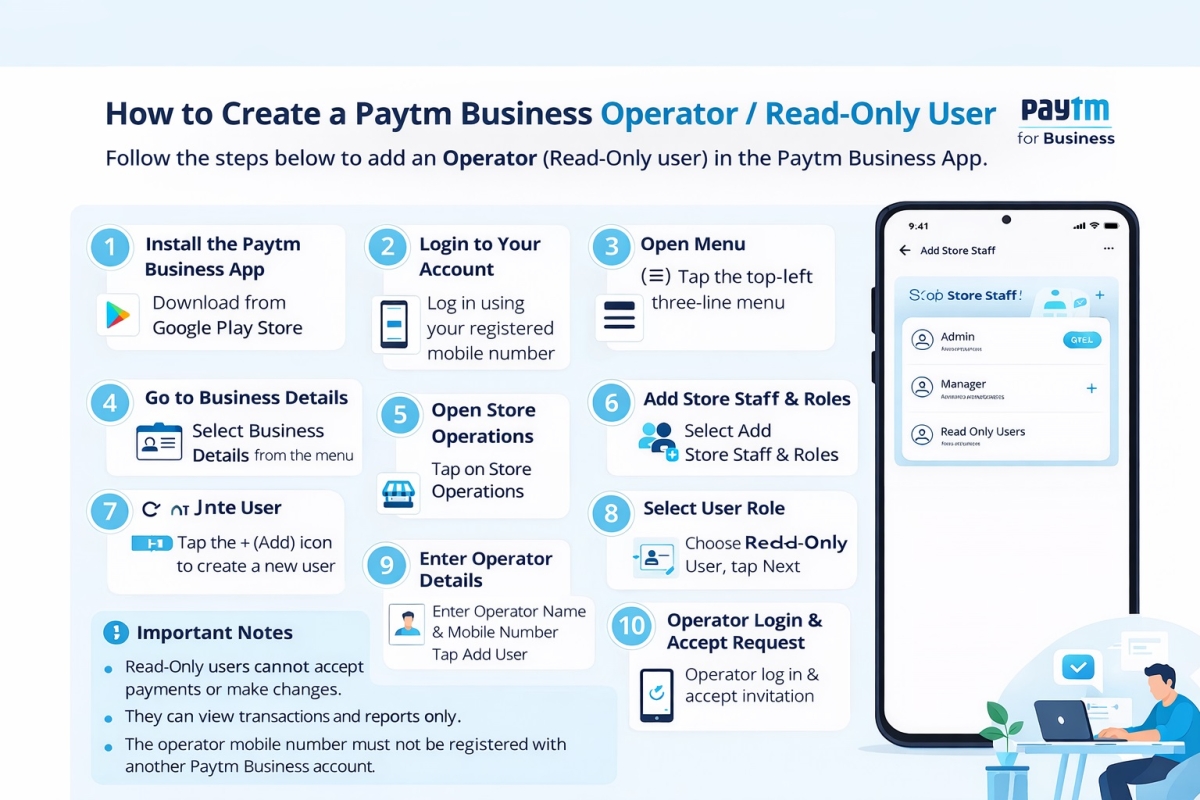
How to Create a Paytm Business Operator or Read Only User
29 Dec 2025 103