Paytm Business 29 Dec 2025
How to Sign Up & Complete e-KYC in Paytm Business App
How to Sign Up & Complete e-KYC in Paytm Business App (Step by Step)
-
Download the App
Install Paytm for Business from the Google Play Store. -
Login / Sign Up
Open the app, enter your mobile number, and verify it using the OTP. -
Add Business Details
Enter your shop/business name, category, and complete address. -
Start e-KYC Process
Go to Complete KYC in the app. -
Submit PAN Details
Enter your PAN card number (mandatory). -
Verify Aadhaar
Complete Aadhaar OTP verification or choose Video KYC if required. -
Add Bank Account
Enter your bank account number and IFSC code for payment settlement. -
Submit & Wait for Approval
Review details and submit. KYC is usually approved within minutes to 24 hours. -
Get Paytm QR Code
After approval, your Paytm QR code is generated and ready to accept payments.
-
Categories
- Paytm Business 2
- Phonepe Business 2
- BharatPe Business 2
- SmartupiQR 2
- FreeCharge Business 1
Popular Posts
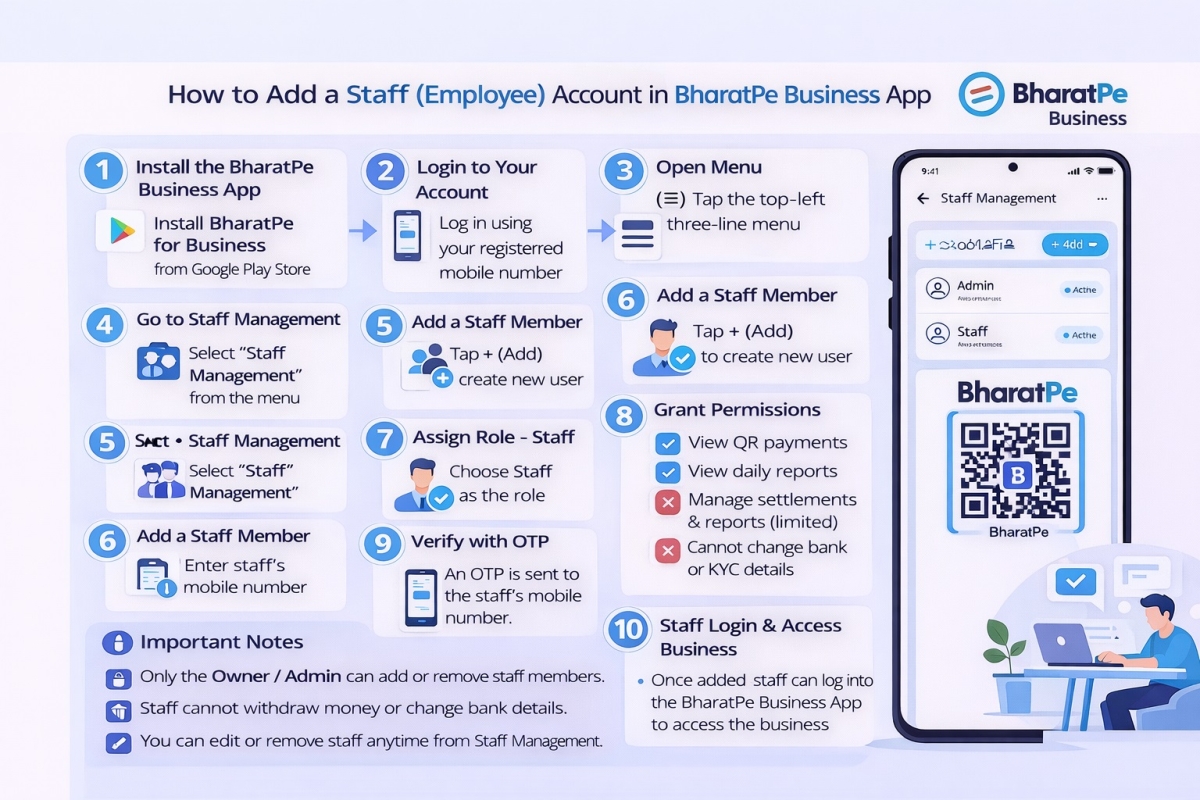
Step by step guide to create a Staff account in the BharatPe…
30 Dec 2025 126
Why SmartupiQR Is the Best Dynamic QR Code API for Instant Bank…
31 Dec 2025 113
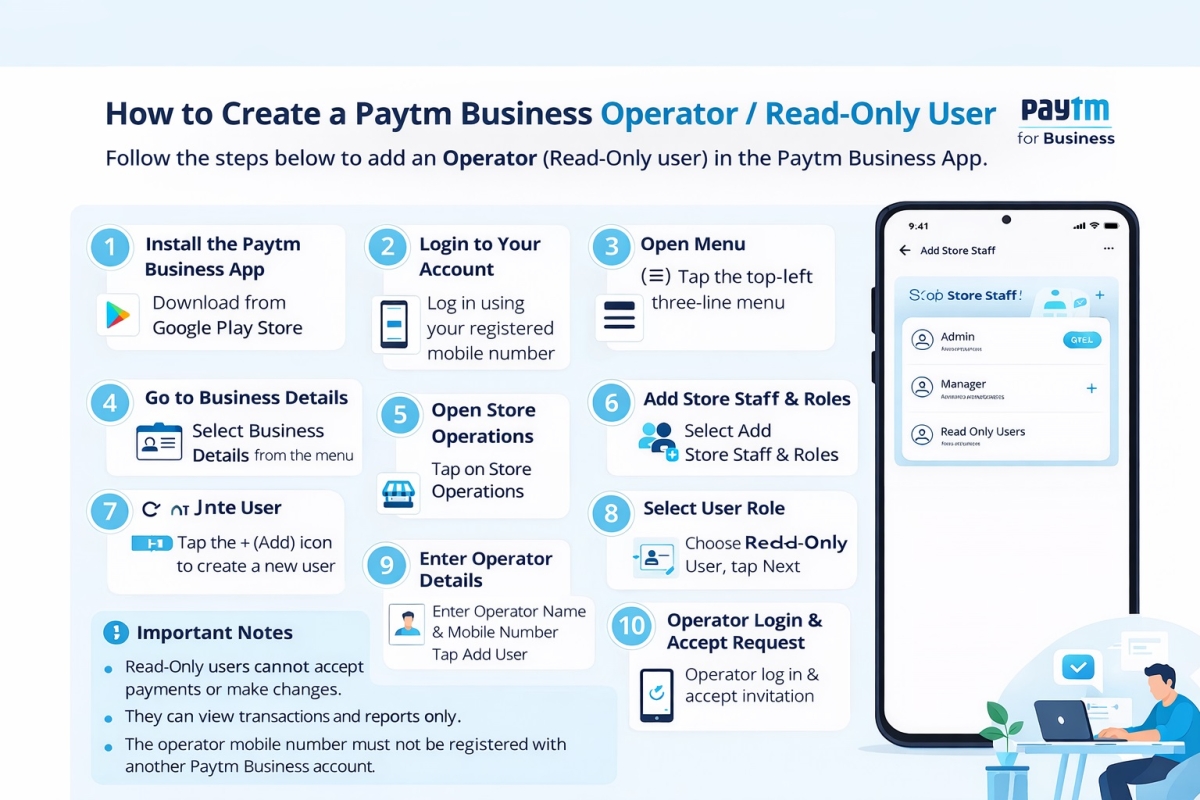
How to Create a Paytm Business Operator or Read Only User
29 Dec 2025 103