BharatPe Business 30 Dec 2025
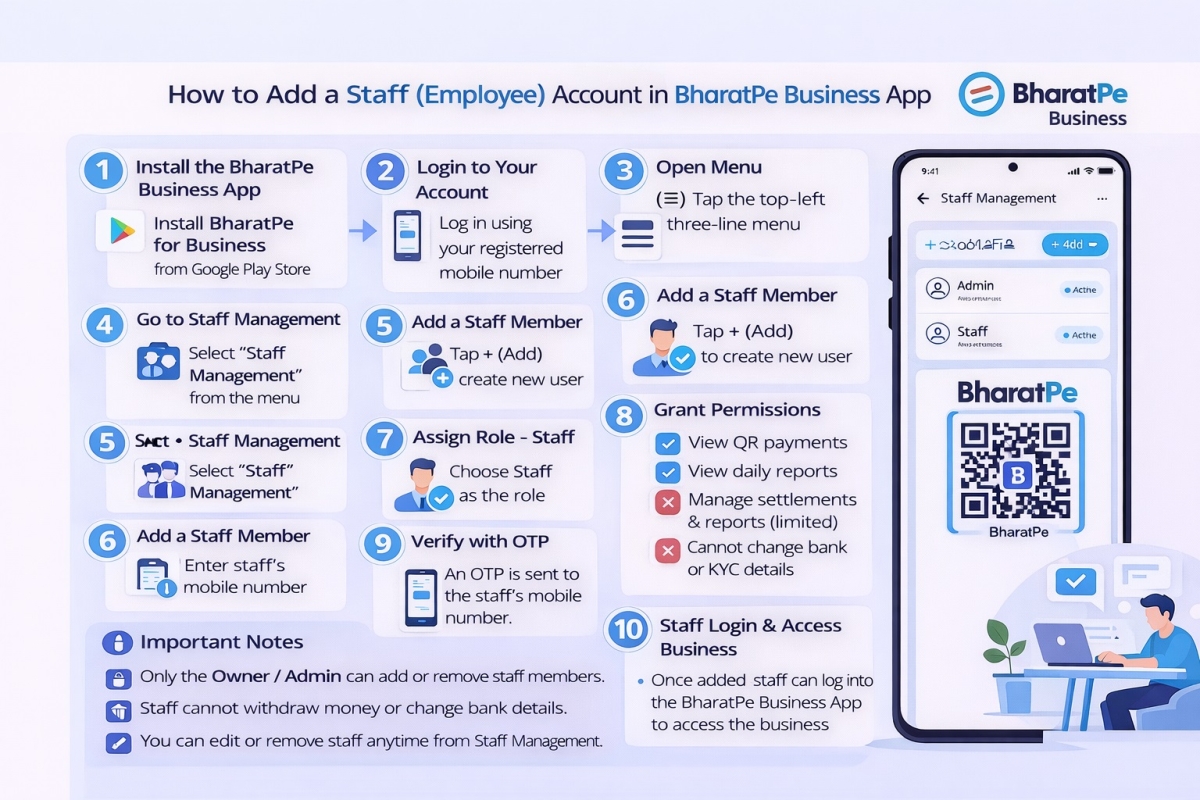
Step by step guide to create a Staff account in the BharatPe Business App
Step 1: Open BharatPe Business App
- Open BharatPe for Business app
- Login with owner’s registered mobile number
- Verify using OTP
Step 2: Go to Staff Management
- On the home screen, tap ☰ Menu (top left)
- Select “Staff Management” or “My Staff” (Name may vary slightly by app version)
Step 3: Add New Staff
- Tap “Add Staff”
- Enter:
- Staff Name
- Mobile Number (staff’s phone)
- Tap Next / Add
Step 4: Assign Permissions
Choose what access the staff should have:
You can allow or restrict:
- View transactions
- Collect payments
Recommended:
- Give limited access (only payment & transaction view).
- Tap Save / Confirm
Step 5: Staff Verification
- Staff receives an SMS / app notification
Staff must:
- Install BharatPe for Business App
- Login using their own mobile number
- Verify OTP
Step 6: Staff Account Activated
Staff can now:
- Accept UPI payments
- View transactions (as permitted)
- Money always settles in owner’s bank account
- Staff cannot withdraw or change bank details
-
Categories
- Paytm Business 2
- Phonepe Business 2
- BharatPe Business 2
- SmartupiQR 2
- FreeCharge Business 1
Popular Posts
Step by step guide to create a Staff account in the BharatPe…
30 Dec 2025 126

Why SmartupiQR Is the Best Dynamic QR Code API for Instant Bank…
31 Dec 2025 113
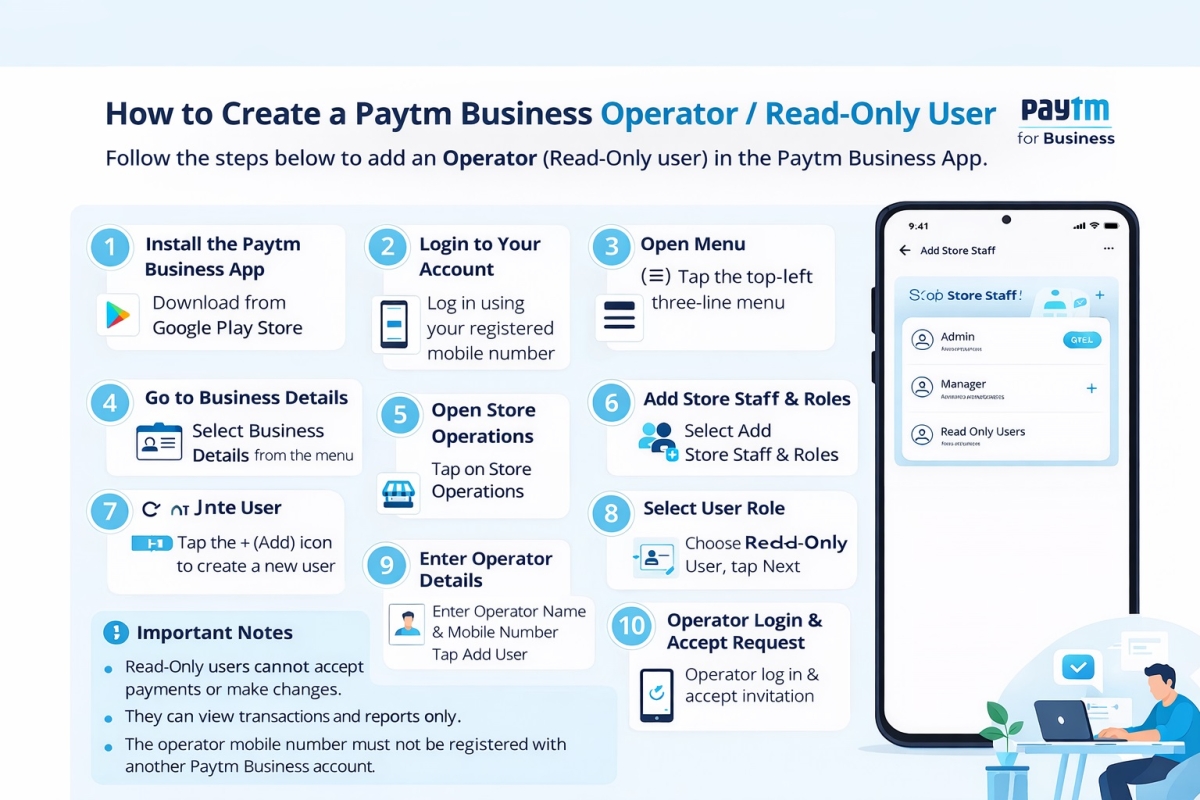
How to Create a Paytm Business Operator or Read Only User
29 Dec 2025 103